Profitability of every vehicle
View earnings statistics and the acquisition cost for a specific vehicle. Assess the financial result of each dismantling job individually.


Vortex module for auto dismantlers
Manage dismantling in one system: keep vehicle records, track profitability and add removed parts manually or from Vortex catalogs.
Try for free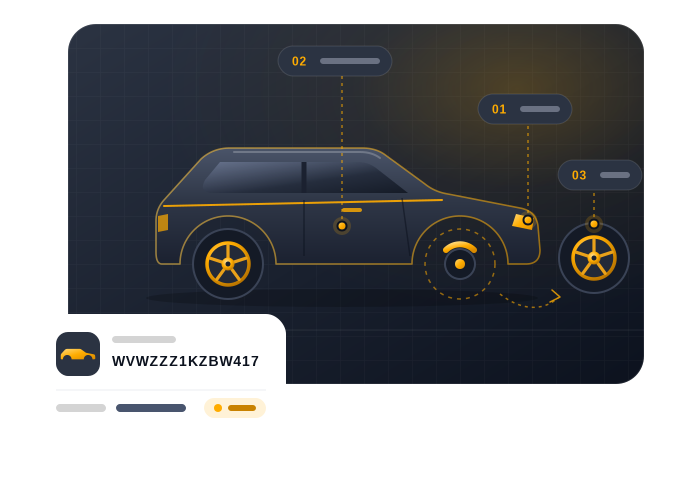
01 / Vehicle record
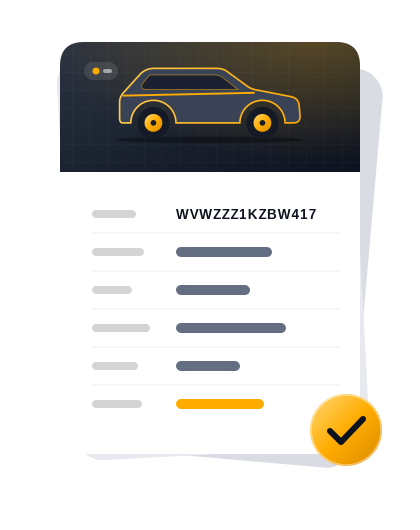
Every vehicle has its own record. Enter its specifications and acquisition cost to keep essential information at hand throughout dismantling.
View earnings statistics and the acquisition cost for a specific vehicle. Assess the financial result of each dismantling job individually.
See the list of parts recorded from this vehicle. The link between the vehicle and its removed parts stays in your records.
02 / Dismantling statuses
Keep current and completed dismantling jobs separate to find the vehicles you need and revisit their history.
Work with vehicles that still have parts to remove. Their details, financial figures and recovered parts are kept together.
Completed dismantling jobs remain available to view. Return to a vehicle record to check its results and the origin of removed parts.
03 / Removing parts
From a vehicle to a specific part, using the approach that suits you. Enter the part manually or find it in Vortex catalogs for that vehicle.
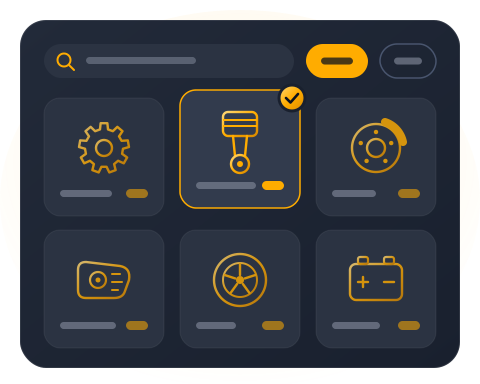
Enter the part yourself and add it to the vehicle’s removed parts records. A direct approach when you already know what you are removing.
Select the vehicle in the Vortex catalog, open the relevant diagram and locate the part. Visual selection helps you navigate the assembly.
Browse parts groups for the selected vehicle. Open the relevant section, such as body components, and select the part.
For example: a specific vehicle → body components → the required body part. You work with the catalog for the selected vehicle.
Give it a try!
After the trial, you can delete test data such as financial transactions, orders and goods receipts, while keeping integration settings, price list imports and business details.